Independent WordPress Plugin Studio

WordPress Plugins Built for Free Base Use and Pro Upgrades

Ethan Plugin Studio builds focused WordPress and WooCommerce plugins around a free base plugin and optional Pro upgrade model, giving site owners a practical starting point with a clear path to advanced workflows, automation, integrations, and priority support.
  • Free Base Plugins
  • Pro Upgrade Paths
  • WooCommerce Tools
  • Content Layouts
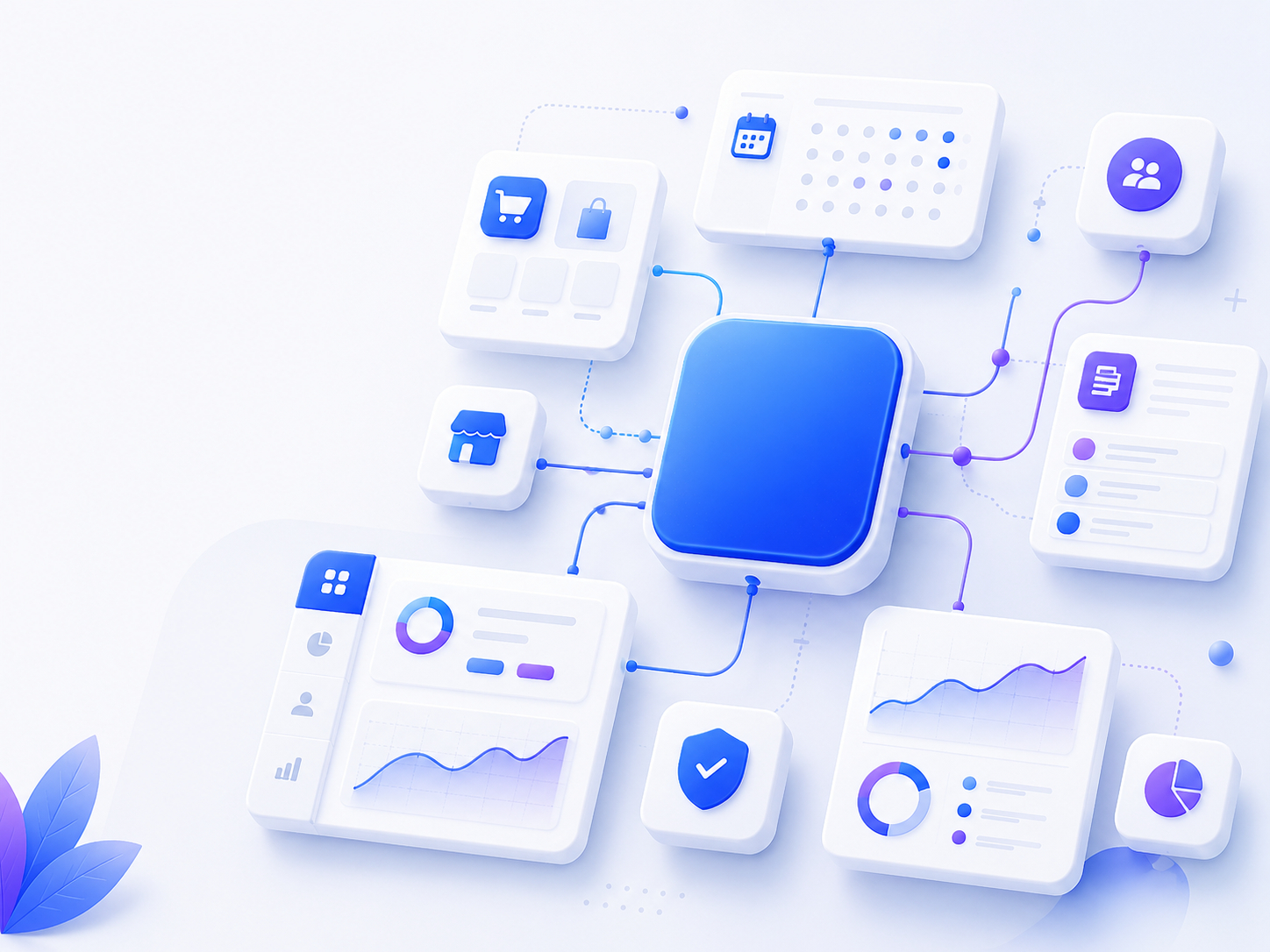
Modular WordPress business website tools illustration
Scroll
Plugin Collection

WordPress Plugins Built for Free Base Use and Pro Upgrades

Explore focused WordPress and WooCommerce plugins built around a free base plugin and optional Pro upgrade model, giving site owners a practical starting point with a clear path to advanced workflows, automation, integrations, and priority support.
Communication

ChatBridge for WordPress

Need a cleaner contact path from your website?

Add a floating contact widget and inquiry form for email, phone, WhatsApp, or custom links. ChatBridge Pro adds optional AI, routing, automation, and advanced conversation tools.

  • Floating widget
  • Inquiry form
  • Optional AI Pro
Customer Portal

Account Center for WooCommerce

Need a better WooCommerce account page?

Create a cleaner WooCommerce customer account center for login, orders, profile details, and addresses. Advanced portal workflows and customer messages belong in Account Center Pro.

  • Customer dashboard
  • Orders and profile
  • Pro portal tools
Content Layout

Blog Layouts & Post Grid Designer

Need better blog and archive layouts?

Create responsive blog grids, post lists, category filters, and shortcode layouts without editing theme files. Archive takeover is optional and manually enabled when needed.

  • Post grids
  • Shortcode output
  • Optional archives
Free Base Setup & Product Guidance

Start Faster with Clear Free and Pro Guidance

Ethan Plugin Studio products are built around practical free base plugins, clear settings, documentation, and optional Pro upgrades — so site owners can start with a focused plugin and upgrade only when advanced workflows are needed.

Product-first support model Support focuses on plugin setup, usage, compatibility notes, and product guidance — not full website redesigns, theme rebuilds, or custom development projects.
Guided Product Experience

A clearer path from free setup to Pro upgrades

  1. 01

    Free Base First

    Each plugin is positioned around a usable free base experience, with core settings and a practical workflow users can start from.

  2. 02

    Documentation First

    Setup steps, feature notes, privacy details, external service behavior, and common questions are explained through product documentation.

  3. 03

    Clear Pro Boundaries

    Pro upgrades are for advanced controls, automation, integrations, templates, and priority support — not for locking basic plugin use.

Built around practical defaults, admin-controlled options, and clear notes for optional external services.

Learn what support covers
Help, Docs & Plugin Notes

Start with the Right Free and Pro Path

Find documentation, setup guidance, plugin support, and clear notes about free base plugins, optional Pro upgrades, site behavior, data, updates, licenses, and billing.

Resources

Where to go next

Choose the right path for setup instructions, plugin questions, free version notes, and Pro license or billing help for paid Pro products.

FAQ Notes

What to know before you start

A concise overview of the main questions customers usually check before installing or managing plugins.

Theme pages Speed

How will the plugins affect my existing website?

Ethan Plugin Studio plugins usually work through independent modules, dashboard settings, shortcodes, display rules, or WooCommerce workflow extensions. Some features are admin-enabled, such as quote buttons, quote carts, account pages, contact widgets, or optional blog archive layouts.

The plugins are designed to stay focused and lightweight, but performance can vary based on hosting, theme quality, cache setup, page builders, enabled modules, and other plugins.

External services Data

Do the plugins connect to external services or save data?

Most core plugin features can work without connecting to third-party services. Optional features such as AI Assistant, Webhooks, or external API connections are only used when enabled and configured.

Saved data depends on the plugin. Inquiry, quote, contact, and account-related plugins may store form submissions, quote requests, messages, customer records, or plugin settings in the WordPress database. Layout-focused plugins mainly store display and layout settings.

Multilingual Updates

Are the plugins suitable for multilingual sites and plugin updates?

The plugins are designed with standard WordPress localization practices in mind and can be used in multilingual website workflows. For complex multilingual, multicurrency, B2B pricing, email content, or page builder setups, test key pages and full workflows in a staging environment.

Normal plugin updates are expected to keep saved settings and configuration data. As with any WordPress plugin update, back up your website and test important pages or workflows first.

Downloads Billing Refunds

How are downloads, licenses, billing, and refunds handled?

Free base plugins from WordPress.org do not require a license key. For paid Pro versions, downloads, license keys, activated sites, subscription status, billing details, order history, and invoices are managed through Freemius or the Ethan Plugin Studio purchase flow when that Pro product uses those systems.

Purchase, subscription, billing, invoice, and eligible refund questions for paid Pro versions should follow the checkout terms and the License & Billing Help page. Free plugin support is separate from paid license or billing management.